Project Selector
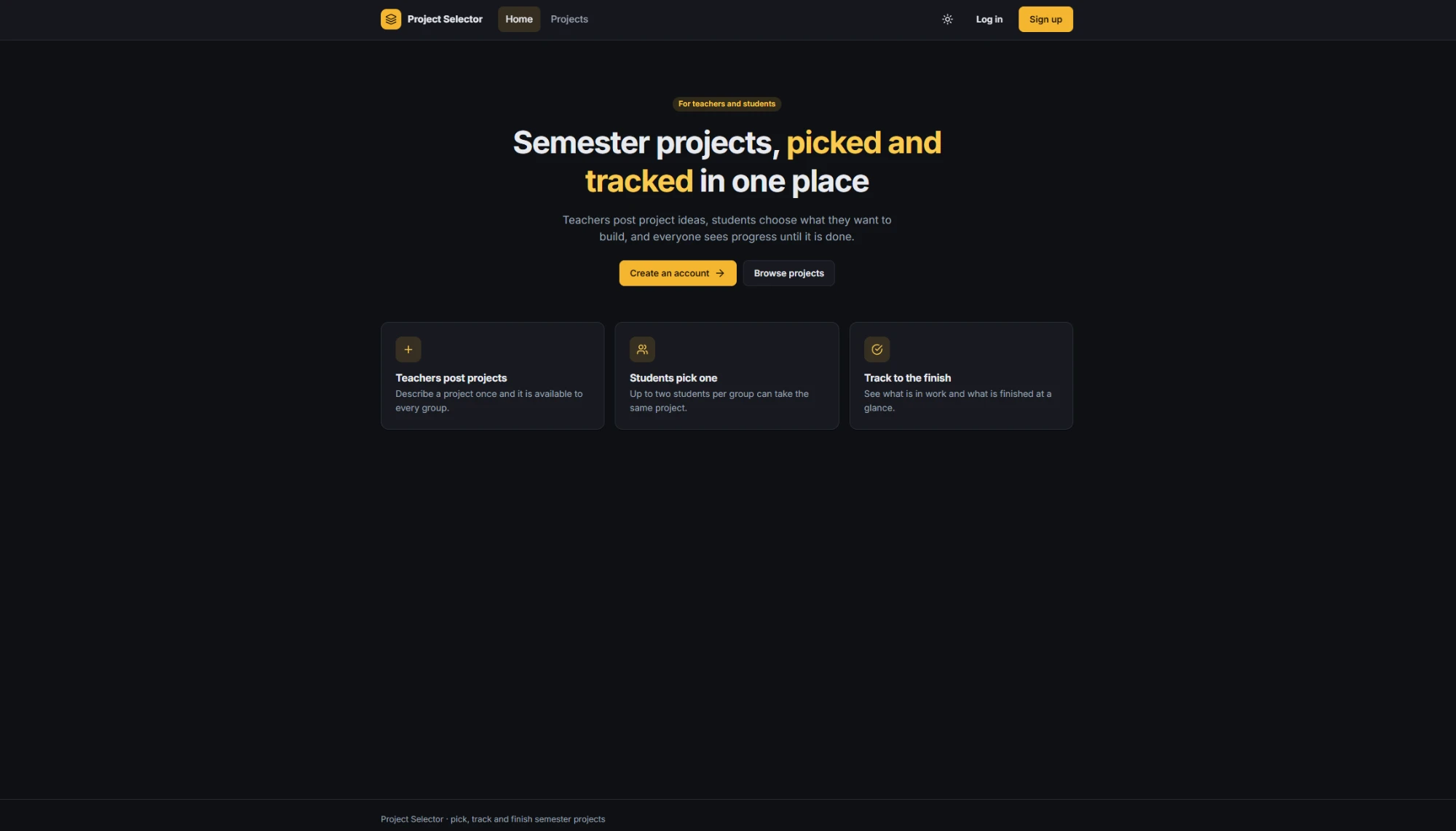
Teachers post semester projects, students pick one for their group and mark it done, and an admin manages the accounts.
- Type
- Web app
- Client
- University project
- Year
- 2022
Overview
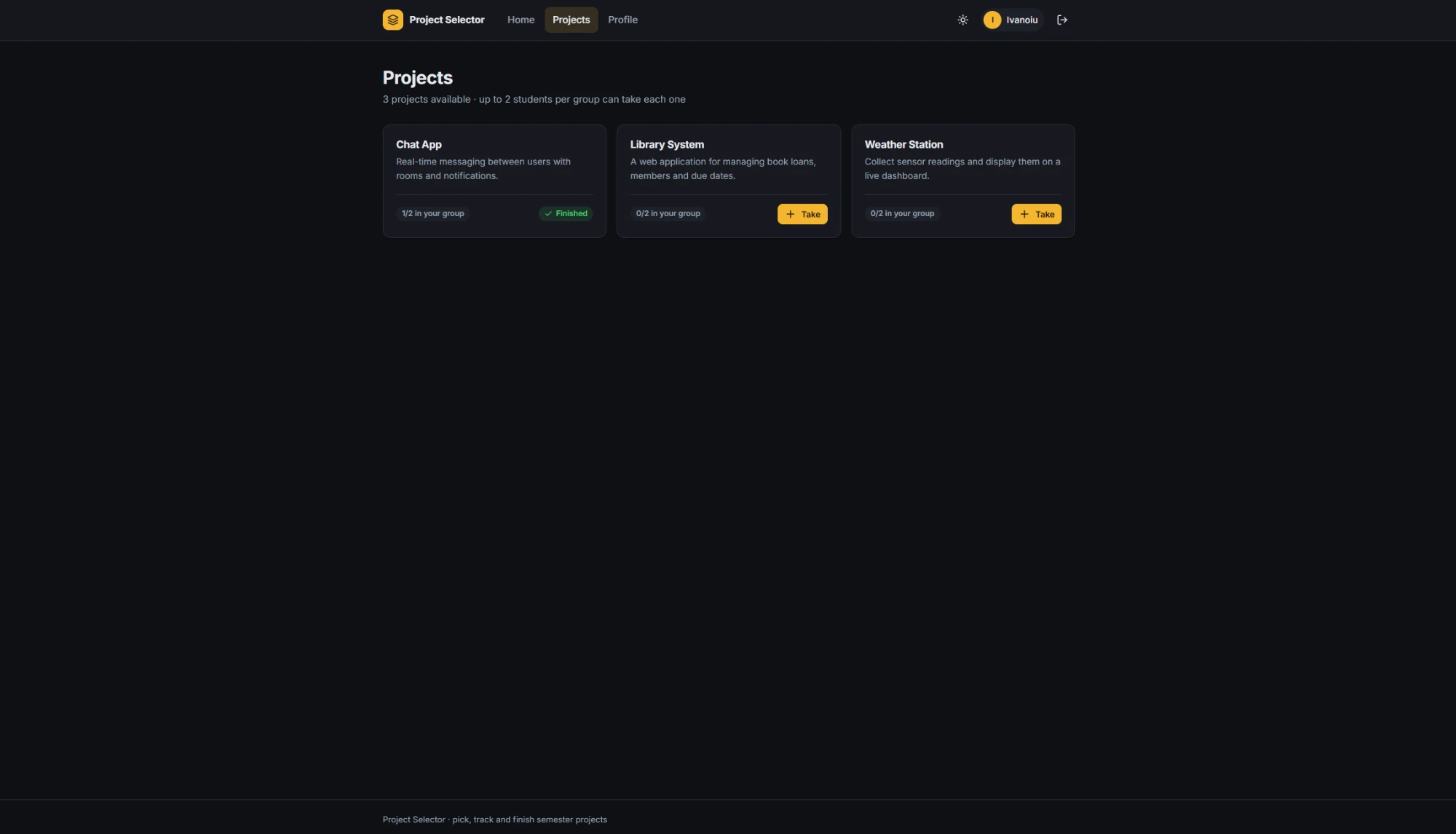
Project Selector is a web app for semester projects. Teachers post project ideas, students pick the one they want to build, and everyone can see what is in progress and what is finished. I built it at university in 2022, and in 2026 I came back to it to refresh the design, harden its security and put it online.
What you can do
- Sign up as a student in your group, then log in with your e-mail and password
- As a student, browse the projects and take one. Up to two students from the same group can take the same project
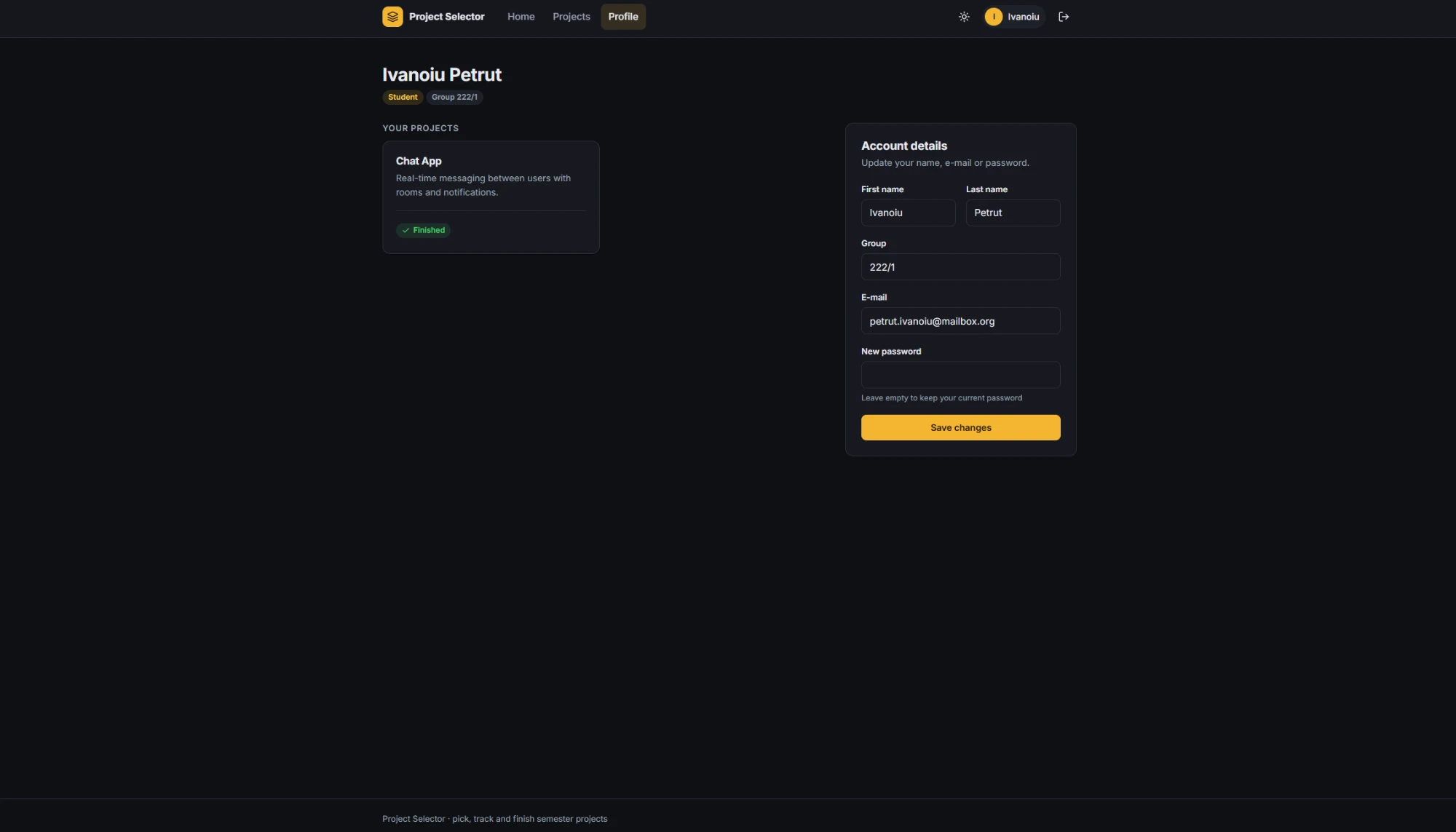
- Mark your project as finished from your profile, and update your name, group, e-mail or password
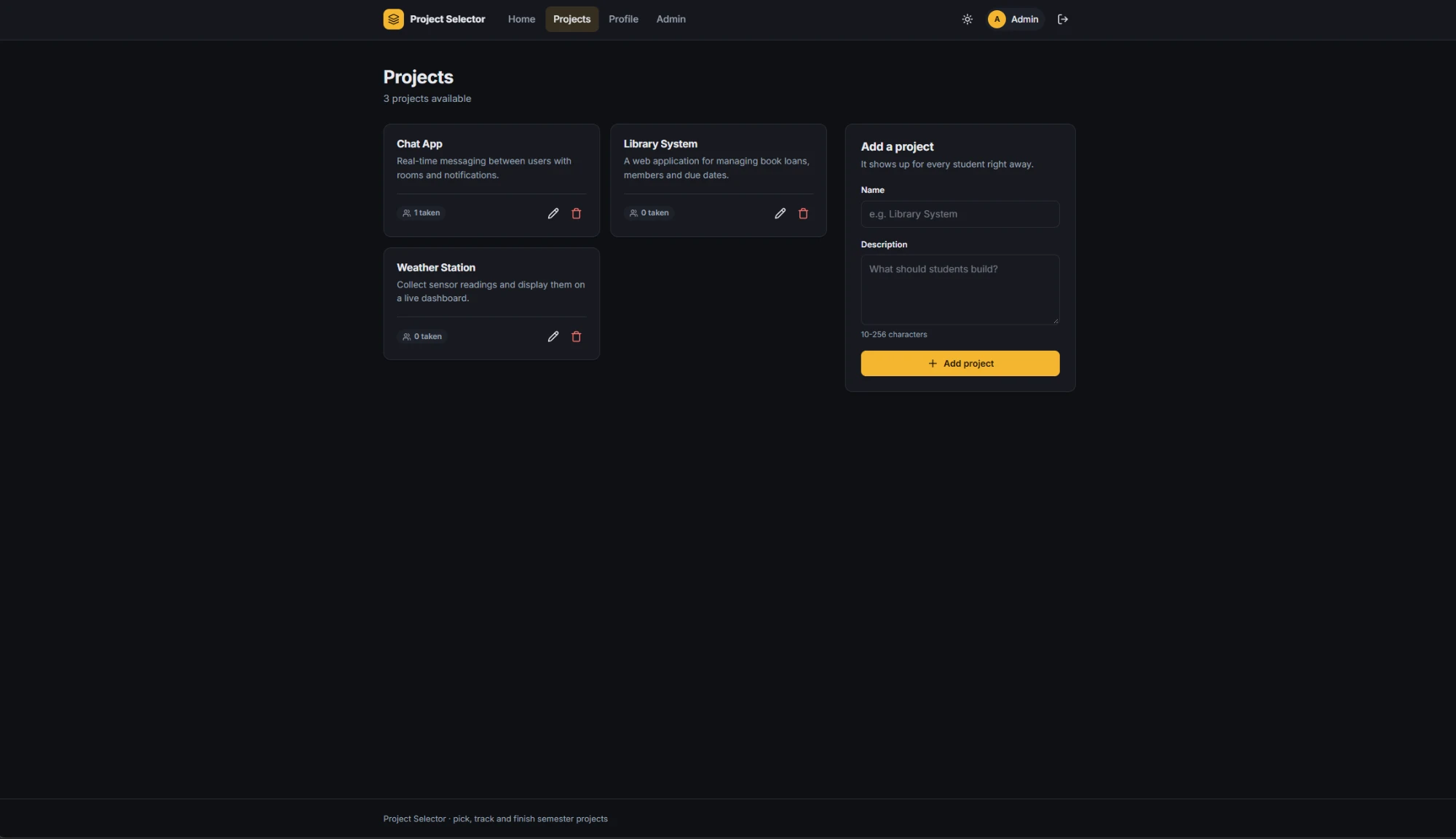
- As a teacher, add, edit and delete projects, and see how many students took each one
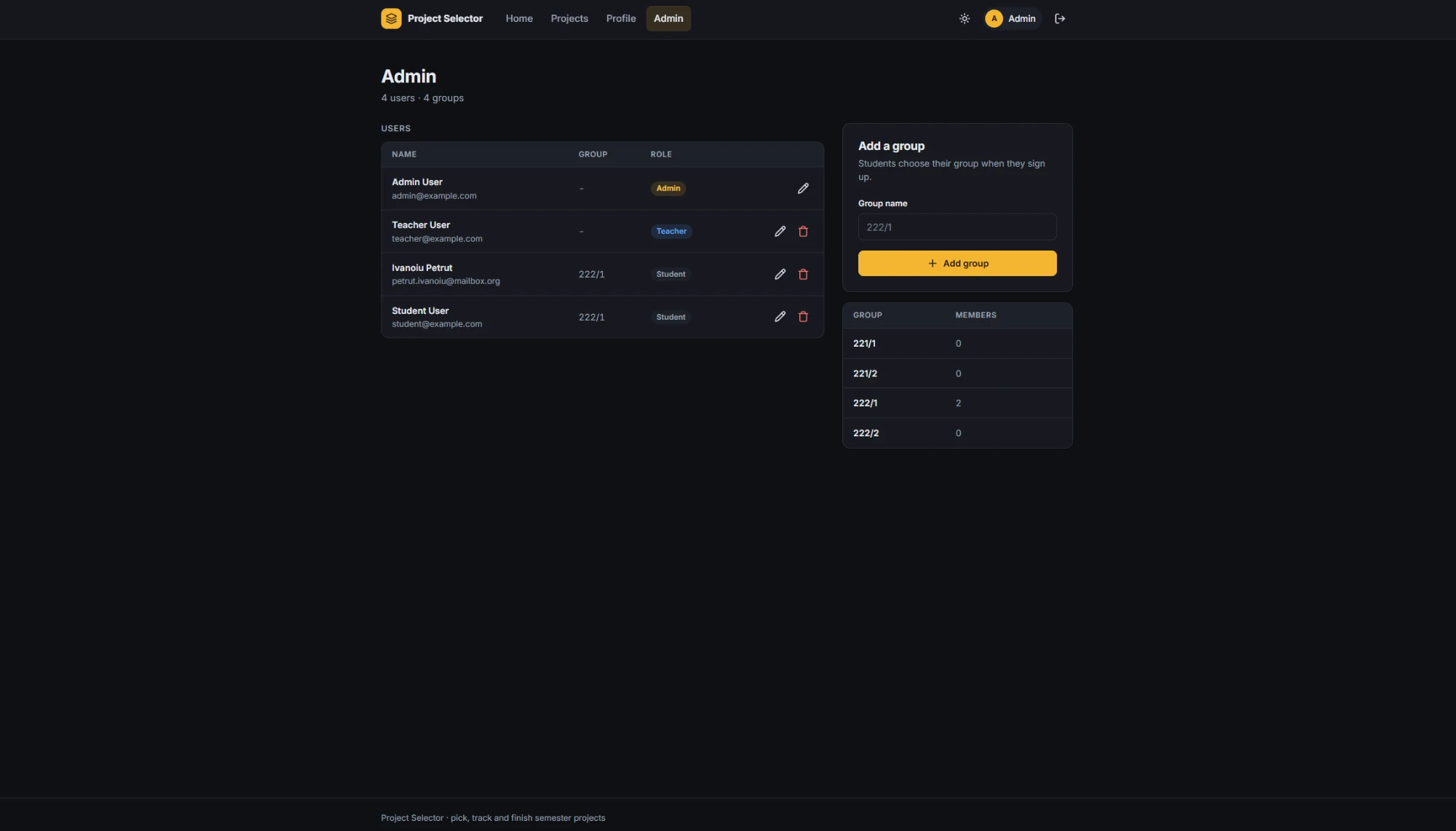
- As an admin, manage every account and its role, and add new groups
How it works
It is plain PHP 8.3 on Apache, with no framework. Each page is its own PHP file, and every form posts to a small action script that checks who you are, changes the data and redirects back with a short message. A shared bootstrap file holds the database connection, the session and the helpers every page needs. All queries go through PDO prepared statements, and data lives in MariaDB.
The styling is one hand-written stylesheet, with a light and a dark theme.
Bringing it back
The 2022 version ran on my machine and nowhere else, so the first job was a Docker setup: one container for the app and one for MariaDB, with the schema and demo data loaded on first start. That also meant fixing what had broken on PHP 8.
Then I went through the security. Passwords were stored as unsalted SHA-256 hashes, so I switched to bcrypt. Old hashes are upgraded the next time that person logs in, so nobody has to reset their password. Every form now carries a CSRF token, failed logins are throttled, and the session cookie is marked Secure and HttpOnly. The app also re-reads your account on every request, so a deleted or demoted user loses access right away. On top of that come security headers and a Content Security Policy.
Deployment runs on GitHub Actions. Each push to master builds an image, pushes it to the GitHub Container Registry and deploys it to my VPS, where Traefik sits in front and handles HTTPS.
What I’d change
The role checks and form validation are repeated in each action script. A small router with middleware would keep them in one place. I would also add tests around the rules, such as the two-students-per-group limit, before changing anything else.