Hangout
Real-time chat with direct messages, chat rooms and group video calls over a peer-to-peer WebRTC mesh.
- Type
- Web app
- Year
- 2023
Overview
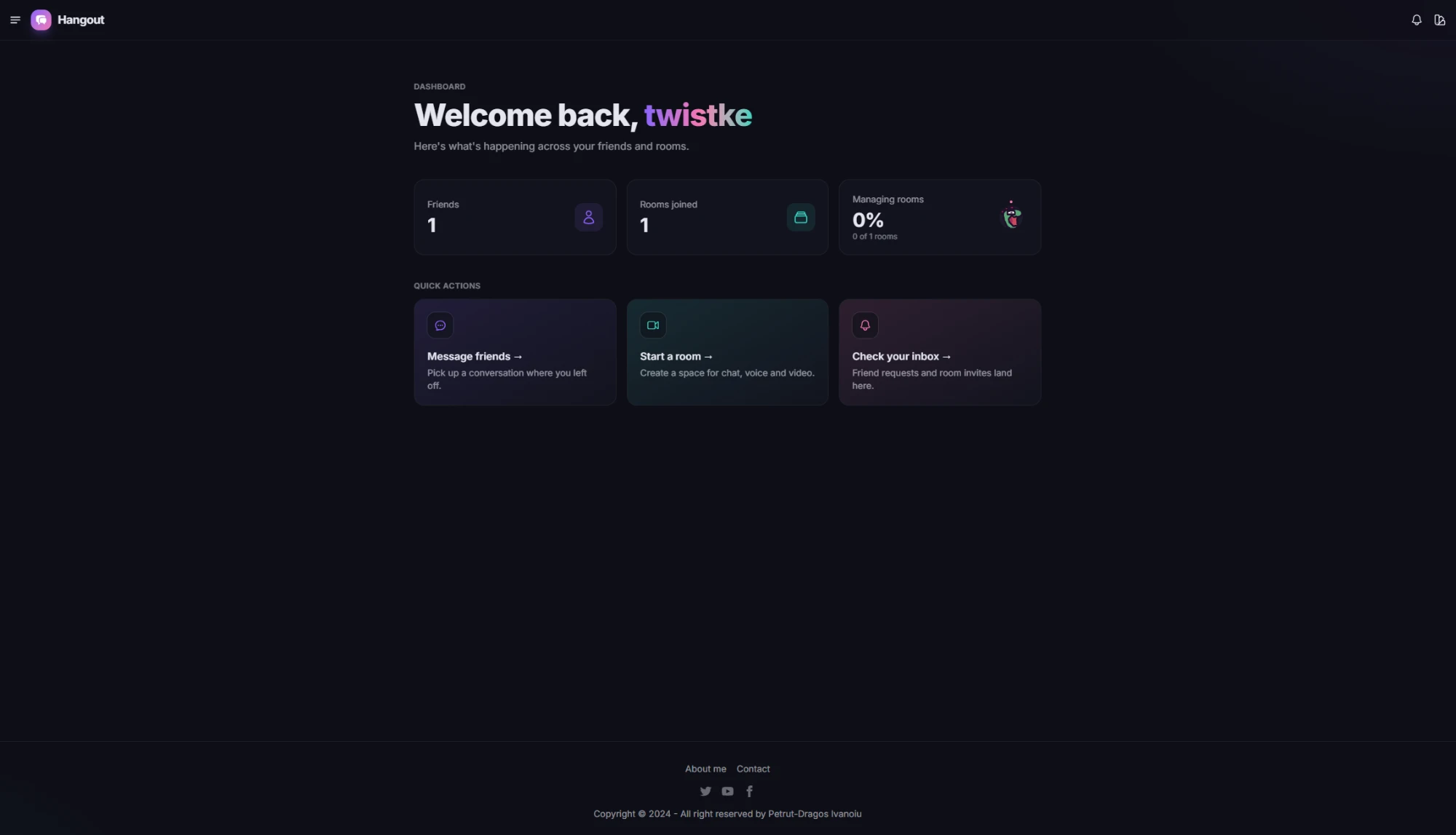
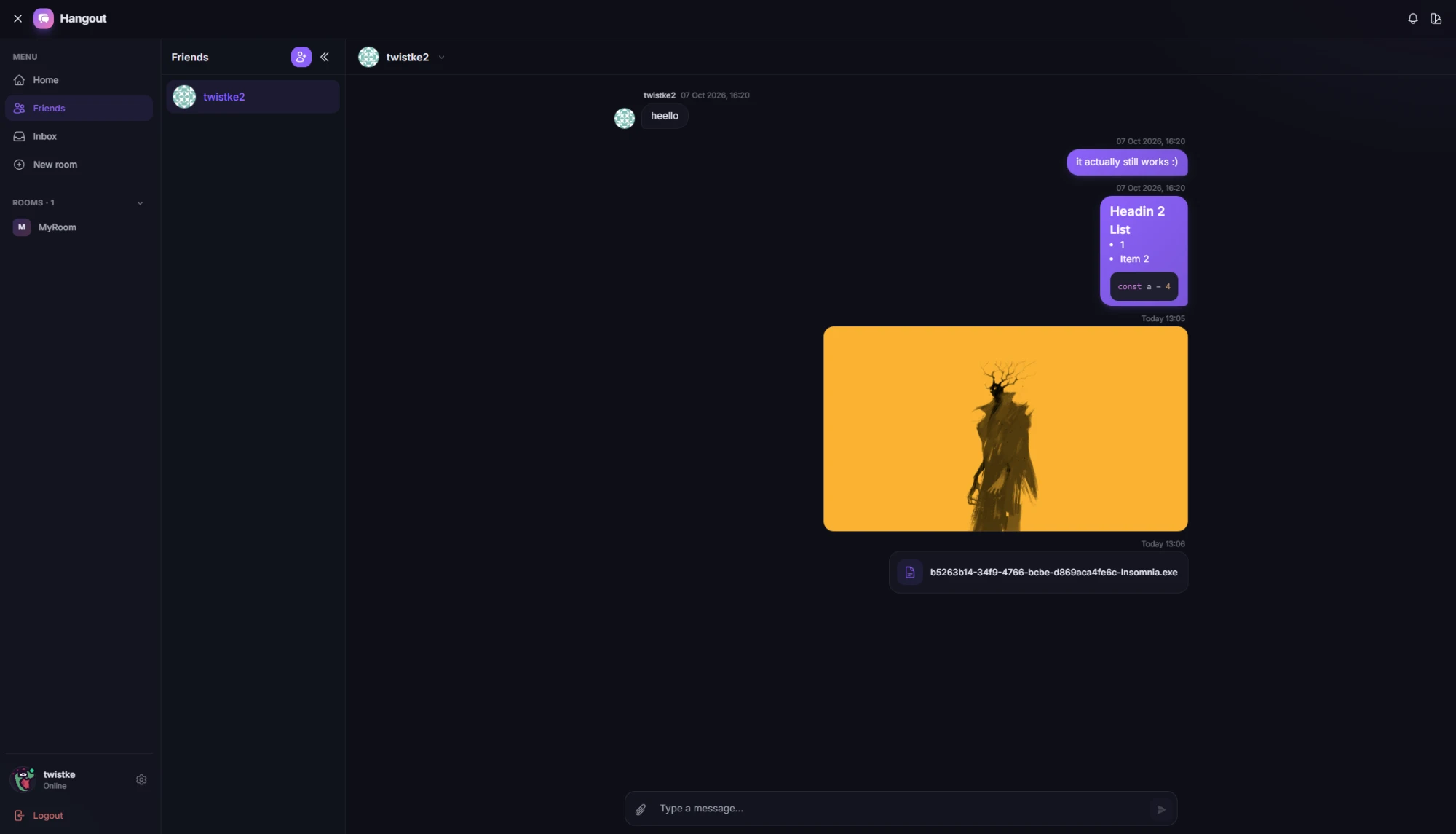
Hangout is a web app for talking to other people: direct messages with friends, group chat rooms, and audio and video channels that run peer to peer. Messages can carry media files, markdown and code snippets.
What you can do
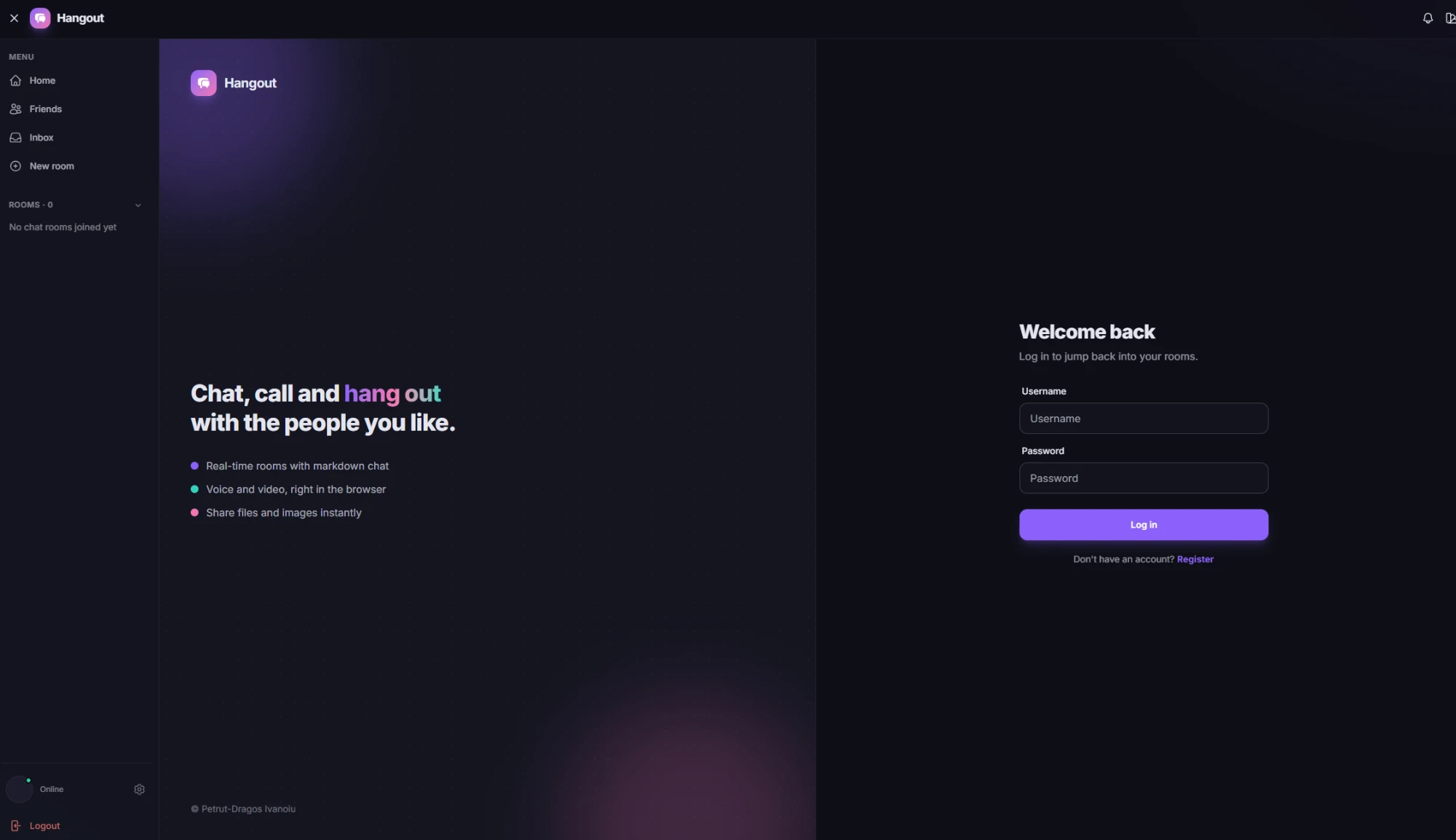
- Sign up and log in with AWS Cognito
- Send and accept friend requests, then chat in text, media or code
- Create chat rooms, invite people and manage who is in them
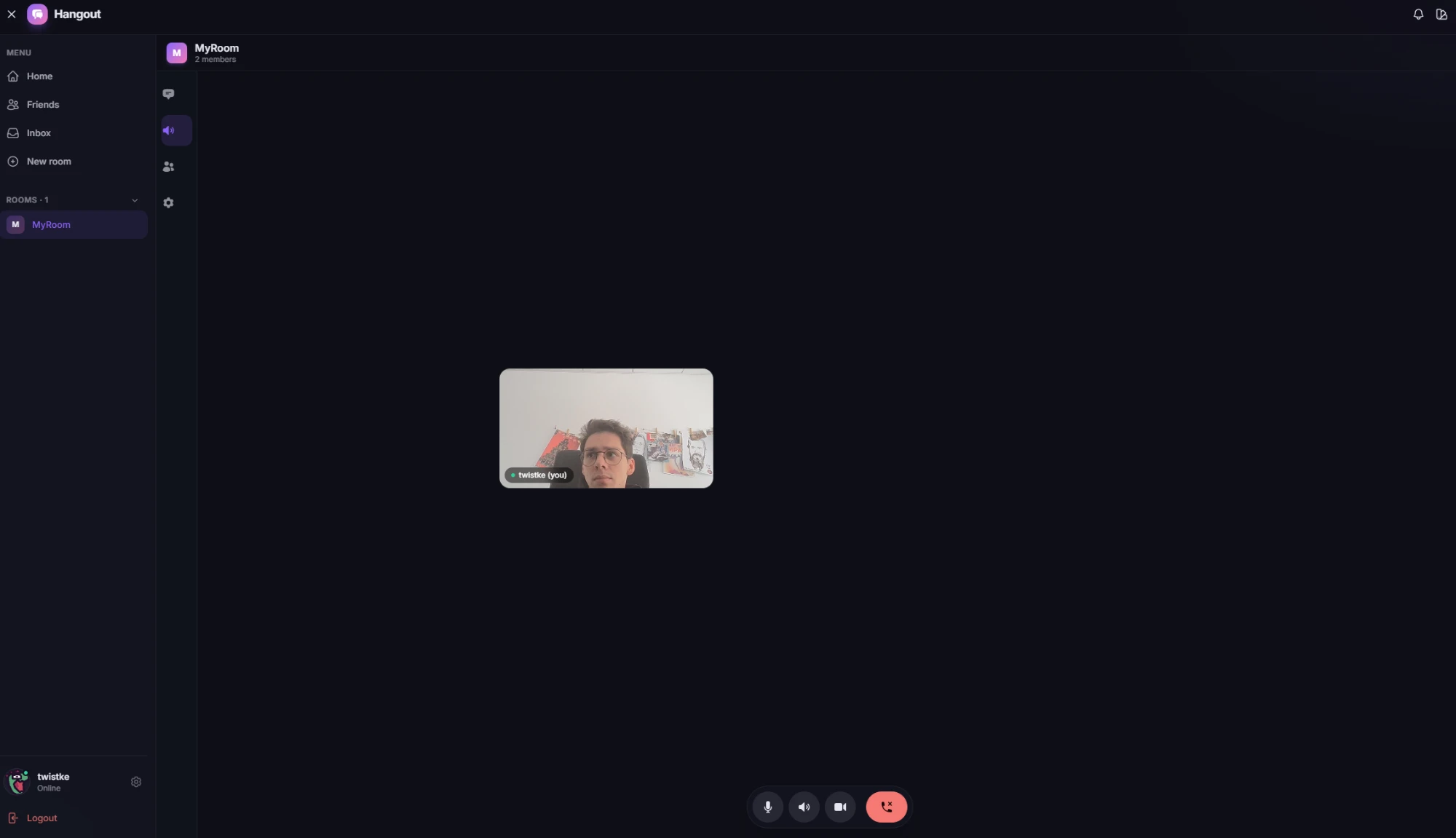
- Join a room’s audio and video channel, connected peer to peer over WebRTC
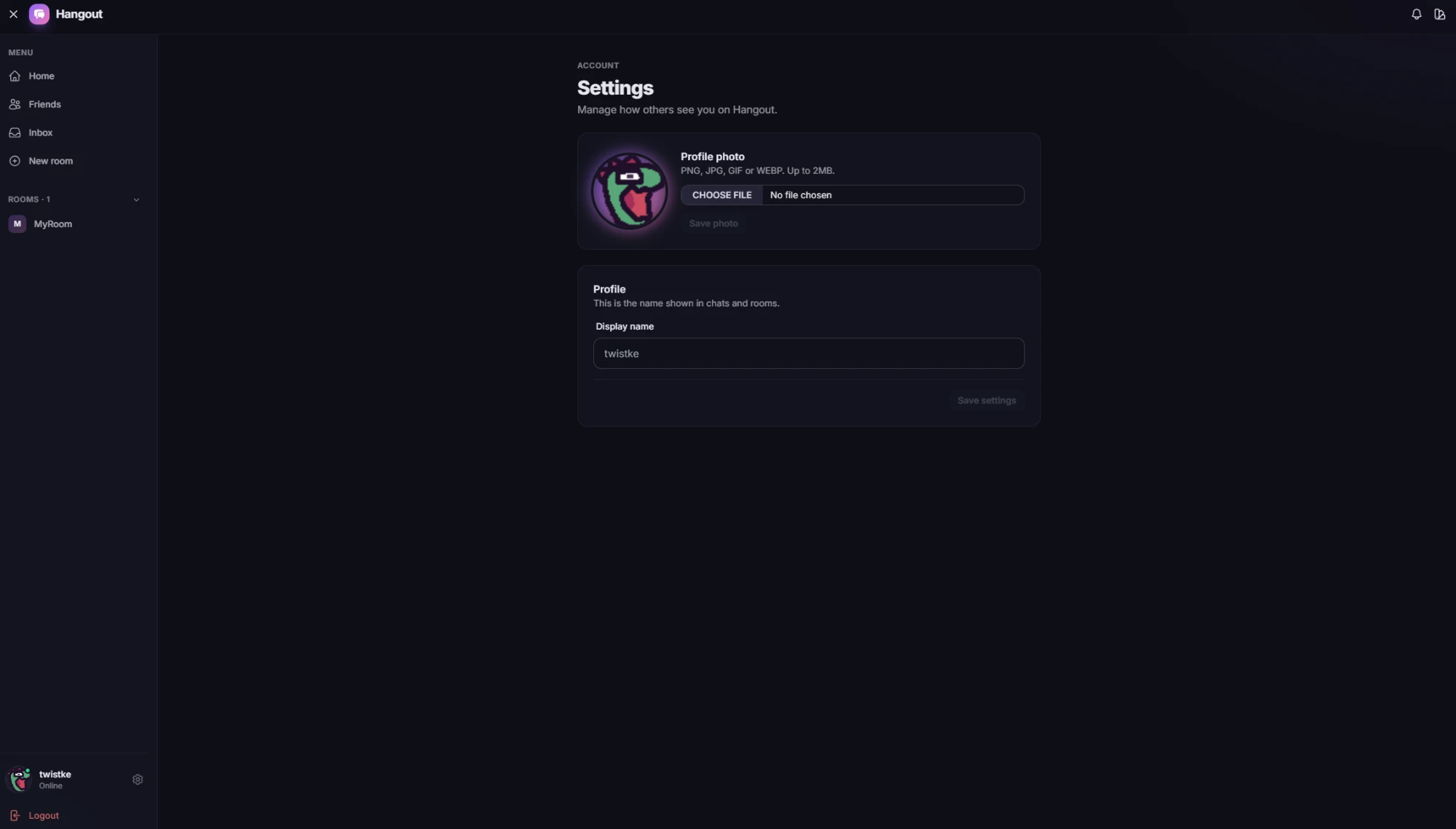
- Change your display name and profile photo
How it works
The front end is Vue 3 with the Composition API, TypeScript, Pinia and Vue Router, styled with Tailwind and DaisyUI and hosted on AWS Amplify.
The back end is an Express server in TypeScript. It is split into routes, controllers, interactors and a persistence layer, so business logic stays out of the HTTP code. Prisma manages the data model, which grew through fifteen migrations as features landed. Uploaded media goes to S3.
Socket.IO carries the real-time traffic, and every socket connection must present the user’s sign-in token before it is accepted. The server ships as a Docker image behind an nginx reverse proxy.
The hardest part
Wiring up WebRTC took the most work. Two browsers can’t simply call each other. First they swap an offer, an answer and a stream of ICE candidates, and I had to route each of those through Socket.IO to exactly the right person. Public STUN servers in the ICE configuration let each browser discover its public address, so the connection can get past home routers.
Group calls added another layer. I built them as a mesh: when someone joins a room, their browser opens a separate peer connection to every person already in the call, and each pair runs its own offer and answer. Audio and video then flow directly between the browsers, and the server never touches the media.
What I’d change
A mesh suits small rooms, but every person uploads their stream once per participant, so it gets heavy as a room grows. The next step would be a media server, known as an SFU, that receives each stream once and forwards it. I would also add a TURN server, so calls still connect on networks strict enough to block a direct connection.